
A viewer can display orthophotos, point clouds, meshes, BIM and panoramas. A scene graph explains how the things shown in those layers relate to one another and to project work.
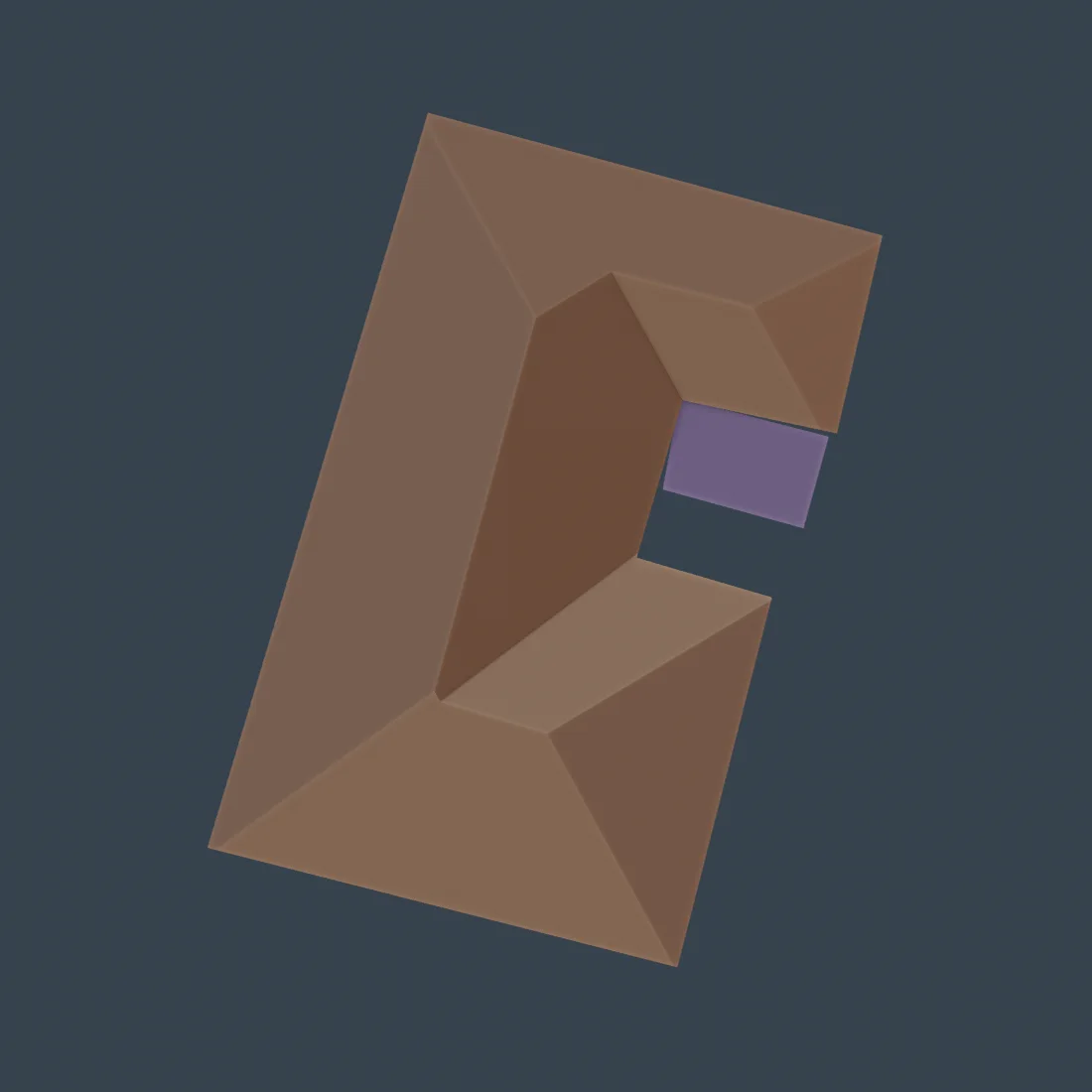
*Geometry becomes operational knowledge when entities retain relationships, evidence and time.*
Table of contents
- Layers are not knowledge
- A minimal ontology
- Time and evidence
- Connecting an AI observation
- Questions enabled by the graph
- Where the information lives
- Risks and controls
- Frequently asked questions
Layers are not knowledge
Layer lists are useful for display control: turn a point cloud on, hide a design model, select a capture date. But the list does not necessarily know that one roof surface belongs to a particular building, that a defect observation came from a certain image, or that an open task is assigned to the contractor responsible for that space.
Without explicit relationships, users must reconstruct context manually. Search works by filename rather than by real-world subject. AI receives disconnected inputs. Changes are difficult to explain because the evidence chain is implicit.
A minimal ontology
The initial graph should be small enough to operate. Typical node types include:
- project, site, parcel and building;
- floor, zone, room and surface;
- BIM element or physical asset;
- capture event, image, panorama, point cloud and model;
- observation, issue, task and document;
- person, organization and responsibility role.
Useful relationships include contains, adjacent_to, represents, observed_in, derived_from, located_in, assigned_to, supersedes and valid_during.
The graph does not replace geometry. It gives geometry identity and context. A roof face can still be stored as a polygon or mesh, while the graph states which building it belongs to, which faces border it and which observations support it.
Time and evidence
Construction is a sequence of changing states. A graph therefore needs dated captures, versions and events rather than a single current snapshot. It should distinguish when a source was captured, when it was processed, when an observation was created and when a change was approved.
Evidence relationships should point from an observation to the specific source region, image, point set or model version that supports it. This makes an answer inspectable. A user or AI agent can move from a claim to the material that justifies it.
<figure><img loading="lazy" decoding="async" width="2000" height="1111" src="/media/insights/roof-plane-evidence-comparison.webp" alt="Comparison of a registered orthophoto, point-cloud normals and candidate roof-plane support"><figcaption>A Skylens review combines the registered source, geometric descriptors and plane support. The displayed partition remains a candidate and was blocked from automatic publication pending human review.</figcaption></figure>
Connecting an AI observation
Suppose a model proposes a roof obstruction. The proposal should not silently become a permanent asset. The graph can store it as an observation with model version, confidence, geometry, date and evidence links. It can then relate the observation to a candidate roof entity and create a review task.
After review, the observation may be accepted, rejected or refined. The decision becomes another event rather than deleting the original proposal. This separation is essential for accountable spatial AI.
Read why an AI mask is not a building entity for the identity layer behind this process.
Questions enabled by the graph
Once entities and relationships are available, teams can ask questions such as:
- Which open issues belong to the western facade of Building B?
- Which rooms were captured after mechanical work was completed?
- What changed on this roof between the last two verified captures?
- Which AI observations still require human review?
- Which task, document and responsible organization relate to this selected object?
- What evidence supports the current geometry of this asset?
These queries are more useful than “show layer 12” because they follow the project’s domain language.
Where the information lives
A scene graph does not require every byte to be stored in a graph database. Geometry may remain in PostGIS, large models in object storage, BIM in a specialized format and media in an asset service. Stable identifiers and relationship records connect them.
The right implementation can use relational tables, graph extensions or a dedicated graph database. The logical model matters first: canonical IDs, controlled relationship types, versioning, provenance and authorization.
Within Skylens Viewer, the graph can drive selection, contextual panels, filters and navigation while leaving authoritative files in their appropriate stores.
Risks and controls
An uncontrolled ontology can become too complex to maintain. Automatic linking can create convincing but false relationships. Duplicate IDs can split the history of one asset, while aggressive merging can combine different objects.
Controls include a limited vocabulary, schema validation, confidence and status fields, provenance, review workflows and tests using real project questions. Access rules must apply to relationships as well as files: a user should not infer restricted information through a connected node.
Frequently asked questions
Is a scene graph the same as BIM?
No. BIM is a structured design and construction model. A scene graph can connect BIM elements to captures, observations, tasks, GIS features and other sources across time.
Is a graph database mandatory?
No. A relational database can represent nodes and edges effectively at many project scales. Choose storage based on query and operational requirements after defining the information model.
How does AI use the graph?
The graph supplies context and constraints: which object is selected, where it belongs, what evidence exists, and which actions are allowed. AI proposals should remain distinguishable from verified facts.
Where should a team begin?
Begin with a few high-value questions, the minimum entities needed to answer them and explicit evidence links. Expand only when a real workflow requires another concept or relationship.
From a display model to a knowledge system
The value of a scene graph is not visual novelty. It is the ability to connect what teams see with what the project knows and needs to do next. That connection turns a viewer into a spatial working environment.
See Skylens solutions for PropTech and ConTech or contact Skylens to discuss a connected project record.